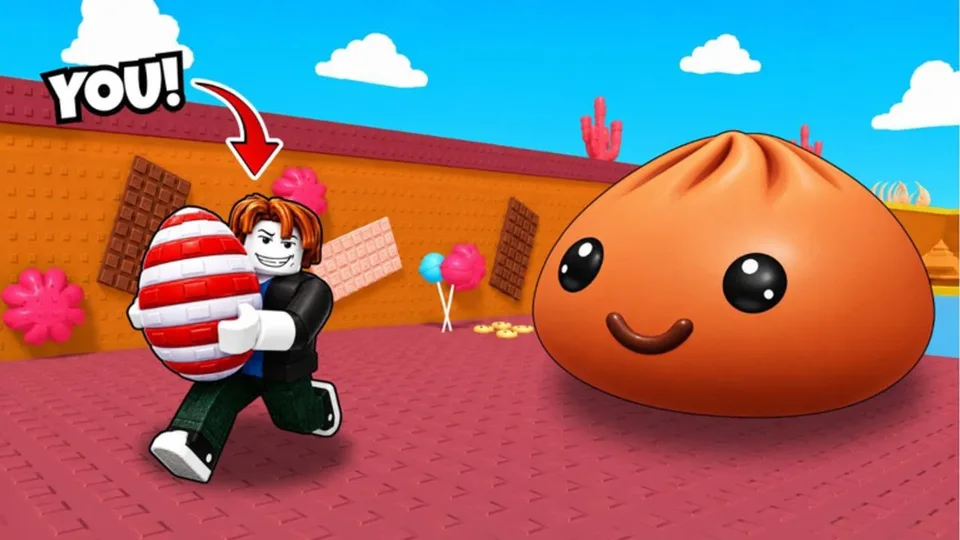
Steal an Egg for Squishy Dumplings supports Desktop, Console, Mobile, and Tablet in six-player servers. A lot of failed steals are input problems: a missed prompt, a drifting camera, or a thumb covering the grab button. Fix that before you blame the nest.
Cr4nky Studios has not published a custom keymap. The actions below are the verbs every platform must perform. The exact key or button is the Roblox prompt highlighted on your device.
Shared actions
- Move toward a nest without clipping into geometry.
- Aim the camera so you can see which way the Squishy faces and where home is.
- Fire the steal interact once when the prompt is valid.
- Commit home without an accidental jump into a wall.
- Open menus for upgrades, hatching, selling, and the treadmill only when you are safe on the plot.
If any verb feels mushy, practice on a low-pressure egg before an Update 5 hunt. Pair this page with Getting Started and How to Steal Eggs.
Desktop
Keyboard and mouse are the precision option for approach angles. Movement is standard Roblox locomotion. Use the mouse to pre-aim the escape before you enter interact range. Trigger the highlighted proximity prompt once. Use the pointer on upgrade boards so you buy the intended rank.
Do not spin the camera during the grab. After a successful steal, already be holding the direction toward the plot.
Mobile and tablet
Touch causes the most accidental failures.
- Keep the movement stick away from the interact button so you do not cancel a grab.
- Drag the camera first, then move in.
- Tap the prompt once. Panic mashing drops the timing.
- Confirm sell buttons carefully so you do not delete a keep.
If frame drops delay prompts, lower the graphics setting. Landscape usually shows both the nest and the exit. Tablet has more room. Use it.
Console
Controller play works once the interact button is automatic. Set look sensitivity so a turn toward home is comfortable, not a flick you overshoot. Slow down on sell confirmations.
Practice the interact on easy eggs. Many failed hard chases are late button presses. Remap only if you consistently miss during the chase. Consistency beats a new layout.
Checklist before a contested nest
- The camera already shows the exit.
- Your thumb or stick is not covering interact.
- You know which control fires steal on this device.
- You will not open a menu mid-chase.
- Speed feels adequate for this egg. If it does not, use Speed Training.
After a miss, ask whether input failed or Speed failed. Those are different fixes.
Menus you will actually open
- Upgrade boards for treadmill Speed and plot income.
- Hatch and inventory, to turn eggs into Squishies.
- Sell flows, covered in How to Make Money.
- The treadmill, when field steals stop paying.
A dedicated codes box has not been confirmed as of October 2026. Do not hunt a phantom redeem button while a rare egg despawns. See Codes.
If motion on mobile makes approaches harder, lower camera sensitivity and take wider paths. If a controller overshoots turns, reduce look speed.